 Apex Alpha X Pro™
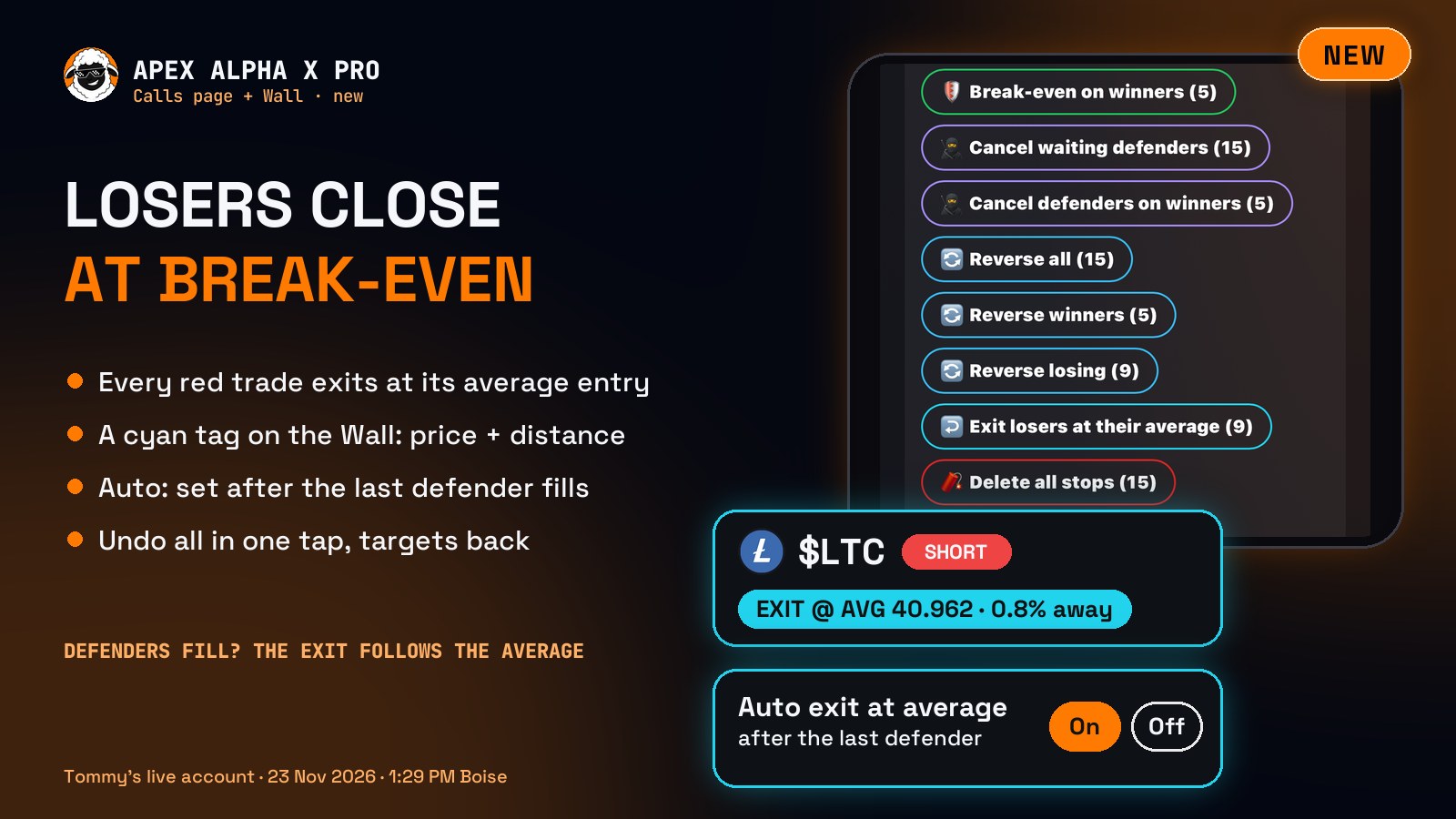
↩️ Losers close at break-even
A trade in the red doesn't have to be closed at a loss.
🧠 Cyan tags on the Wall show each exit and how far away it is
HOW IT WORKS
When defenders fill, your average entry gets better than the call's entry. ↩️ Close losers at their average entry puts ONE closing order on each losing trade, for the whole position, at that trade's own average entry (plus a hair for fees). Nothing closes right away: each trade closes at even the moment the price comes back to it. The targets step aside, the stop stays. If another defender fills, the exit moves to the new average by itself.
On Tommy's live account (Nov 23, 1:24 PM Boise) two taps set it on 10 losing trades across Hyperliquid, Aster and Bitunix. $ADA on Aster came back to its average 2 minutes later and closed at +$0.06 instead of a loss.
YOU CAN SEE IT
🤖 AUTO EXIT AT AVERAGE
The moment a trade's LAST defender fills, the plan has added all the size it will, so its average can't get any better. With 🤖 Auto exit at average on, Apex sets the exit right then, by itself (checked every 30 seconds, once per trade), and sends you a Telegram message. Trades in profit and trades you opened yourself are never touched.
UNDO
🔁 Cancel exits at average, targets back (N) cancels every exit at once and puts the targets back. The stop stays.
MEMBERS WHO FOLLOW TOMMY
With 🐑 Clone Tommy on, when Tommy sets exits at average on his trades, the same happens on your open copies of those coins, with a Telegram message.
HOW TO USE IT
1. Open the Calls page, tap 🛡 Risk & quick actions
2. Tap ↩️ Close losers at their average entry (N), then tap again to confirm
3. Want it automatic? Next to 🤖 Auto exit at average after the last defender, tap On
4. Changed your mind? Tap 🔁 Cancel exits at average, targets back
The picture is Tommy's own live account at 1:29 PM Boise on Nov 23, 2026.