 Apex Alpha X Pro™
2026-11-21· App· CopyTrader
Copy the highlighted setups on one exchange
Copy the highlighted setups exactly where you want them.
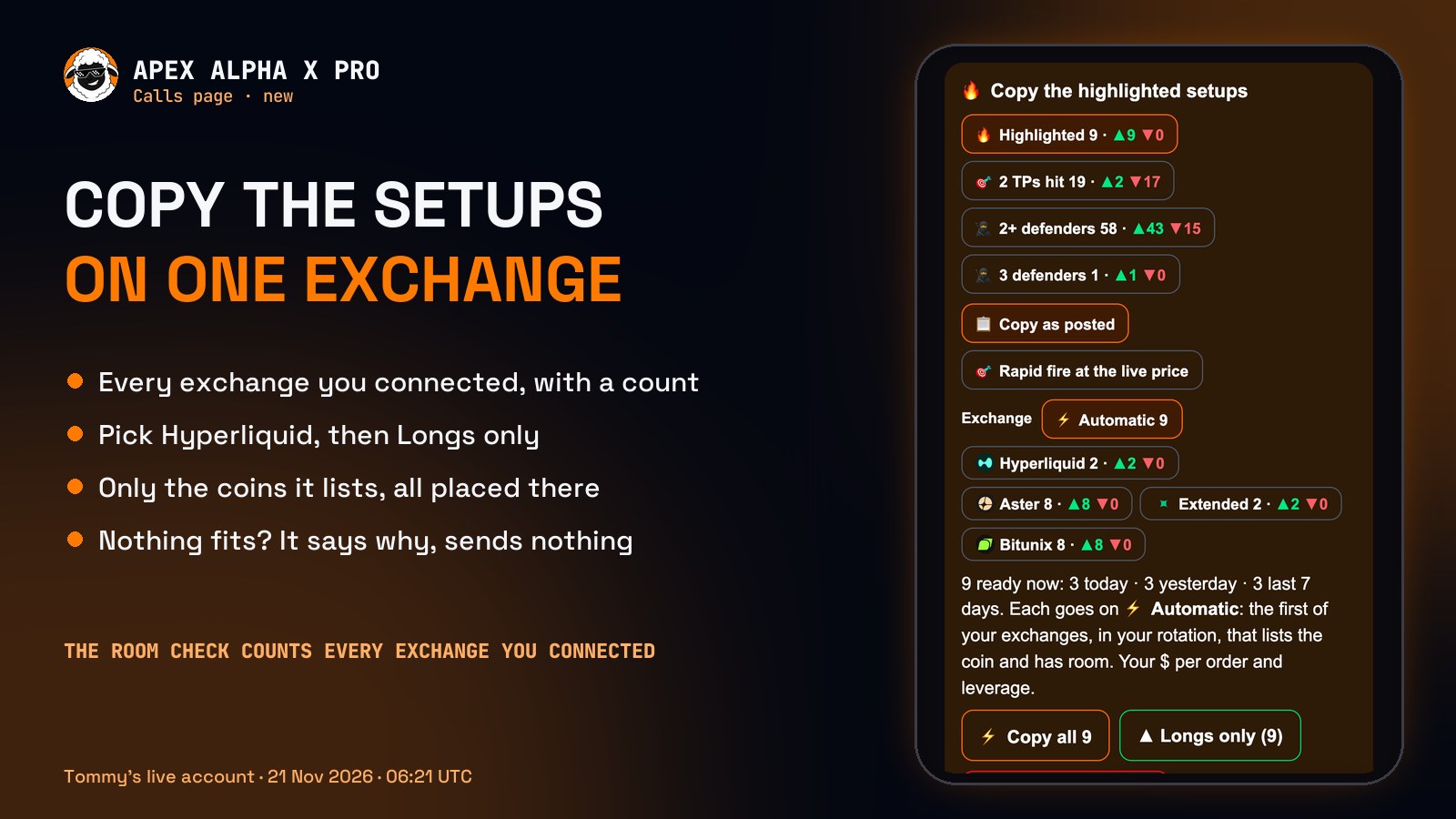
⚡️ An Exchange row: ⚡️ Automatic plus each exchange you connected, with how many setups it lists
⚡️ Pick Hyperliquid, then Longs only: only the longs Hyperliquid lists, all placed on Hyperliquid
⚡️ The room check counts every exchange you connected, and if nothing fits it says why and sends nothing
🧠 Live now on the Calls page
HOW TO USE IT
1. On the Calls page, open 🔥 Copy the highlighted setups and pick a set (Highlighted, 2 TPs hit, 2+ defenders ...)
2. In the Exchange row, tap the exchange you want (each shows ▲ longs and ▼ shorts it lists), or keep ⚡️ Automatic
3. Tap Copy all, Longs only or Shorts only
4. The first tap checks room on that exchange and shows what fits. Tap again within 8 seconds to copy
IF NOTHING FITS
The button won't arm: it tells you how much margin the copies need and which coins have no room or aren't listed. Close a trade, cancel waiting defenders or add funds, then try again.
The picture is Tommy's own live Calls page at 06:21 UTC on Nov 21.